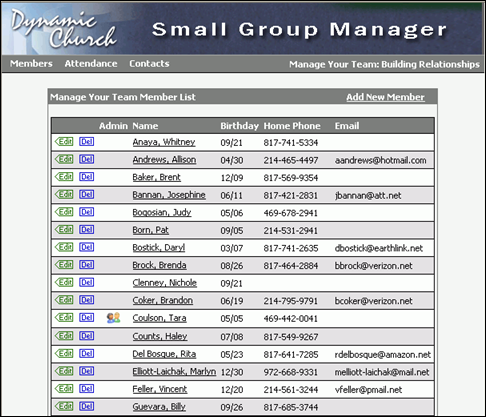
When the group leader/manager clicks the link on the church website to launch the Small Group Manager he or she will be asked to log in (if not already logged in). After successfully logging in, the Group Manager appears in one of two views as shown below:
Small Group Leader View
Small Group Manager View
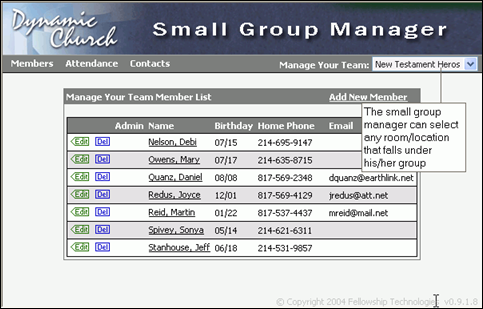
The difference between the two views depends upon the small group leader’s staffing assignment. If staffed at the Room/Location level, the person will see the Small Group Leader view and if staffed at the group level, the person will see the Small Group Manager View. The Group Manager can see any group that resides under his or her activity grouping by selecting the group from the Manage Your Team drop-down list as shown in the image above.
Note: When a user creates a new account through the church website, it actually creates a new record in Fellowship One. You must merge the new record with the person’s original record in Fellowship One before he or she will be able to view Group Manager.